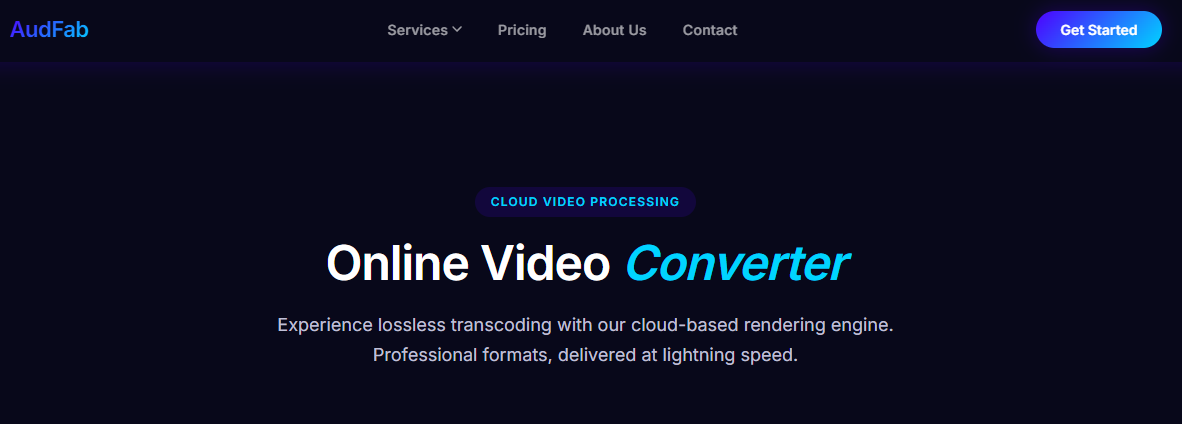
Online Video Converter — Convert Any Video in Your Browser with AudFab
Installing another desktop app just to convert a short clip is no longer necessary. AudFab Online Video Converter runs entirely in your browser, so you can turn an MP4 into a MOV, an AVI into an MP4, or a clip into a GIF without downloading anything. This article explains what an online video converter is, why a cloud-based approach often works better than traditional software, and how to use AudFab to convert your videos in a few clicks.
What Is an Online Video Converter?
An online video converter is a web-based tool that takes a video file in one format and produces an equivalent file in another format. Unlike a local application, it runs from a web page — all you need is a browser and an internet connection. Behind the scenes, the conversion is performed in the cloud on a remote server rather than on your own machine. That means even a lightweight laptop or tablet can handle conversions that would otherwise require a powerful desktop setup.
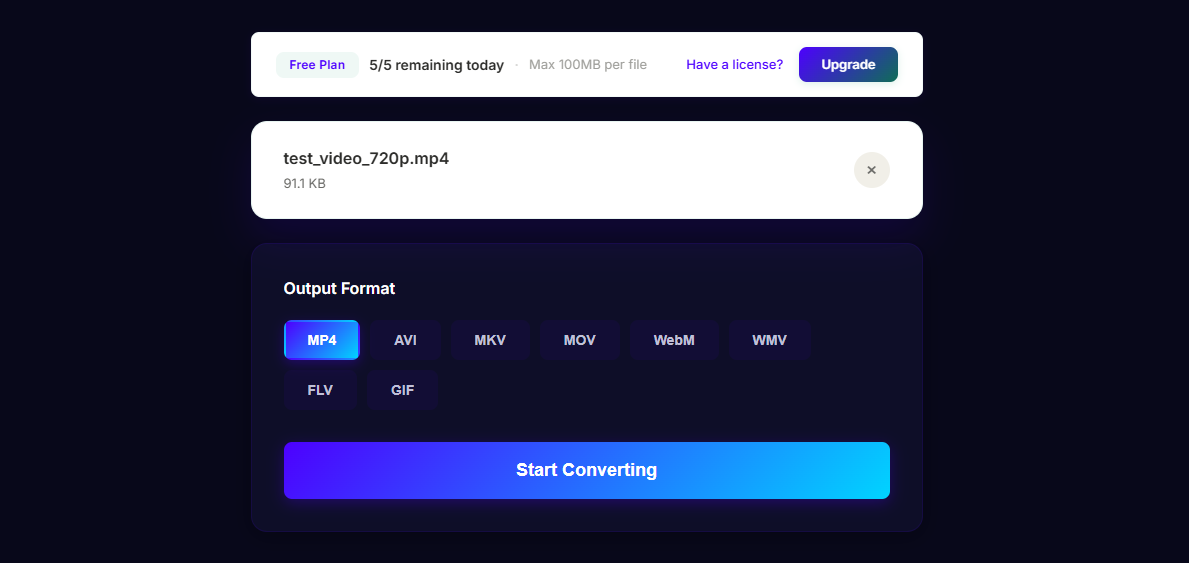
AudFab Online Video Converter accepts common input formats such as MP4, MOV, AVI, WebM, MKV, FLV, and WMV, and can export to the same formats plus GIF for short clips. You can also adjust settings like resolution, bitrate, and audio codec if you need more control, or stick with the defaults for a quick, balanced result.
Why Choose a Cloud-Based Converter Over Desktop Apps?
A cloud-based converter removes several pain points that make traditional desktop software inconvenient for occasional tasks:
- No installation required. You don't need admin rights, an installer, or 500 MB of free disk space. The tool is just a URL away.
- Works on any device. The same service is available on your work laptop, your home desktop, a Chromebook, a tablet, or even a phone. Because processing happens in the cloud, your local hardware doesn't limit you.
- Always up to date. Codec support and bug fixes roll out on the server side. You never have to chase down a new installer version to handle a new format.
- No cleanup afterward. There's nothing left behind on your machine when you're done — no leftover services, background updaters, or cache folders.
For casual conversions, trips abroad, shared computers, or tasks you need to finish quickly on a device that isn't your main workstation, these benefits add up fast.
Supported Formats and Common Use Cases
Here are some of the conversions AudFab Online Video Converter is built to handle:
- MP4 ↔ MOV — switching between the format iPhones prefer (MOV) and the format most web players and editors expect (MP4).
- AVI → MP4 — modernizing old AVI files so they play on current phones, smart TVs, and streaming platforms.
- MKV → MP4 — unwrapping downloaded MKV containers into an MP4 that plays natively on most devices.
- WebM → MP4 — converting short clips recorded or exported from browser-based tools so they're easier to share.
- MP4 → GIF — turning a short segment into a looping, low-size GIF for chat apps, documentation, or Slack reactions.
Each of these is a common real-world task, and each can be completed on AudFab without installing any software.
How to Use AudFab Video Converter Online
Using the converter is straightforward:
- Open the converter page in your browser. No account is required to start.
- Upload your video file by dragging it into the drop zone or using the file picker. The file uploads securely over HTTPS.
- Pick your target format. Choose from MP4, MOV, AVI, WebM, MKV, GIF, and more. Optionally adjust resolution or bitrate.
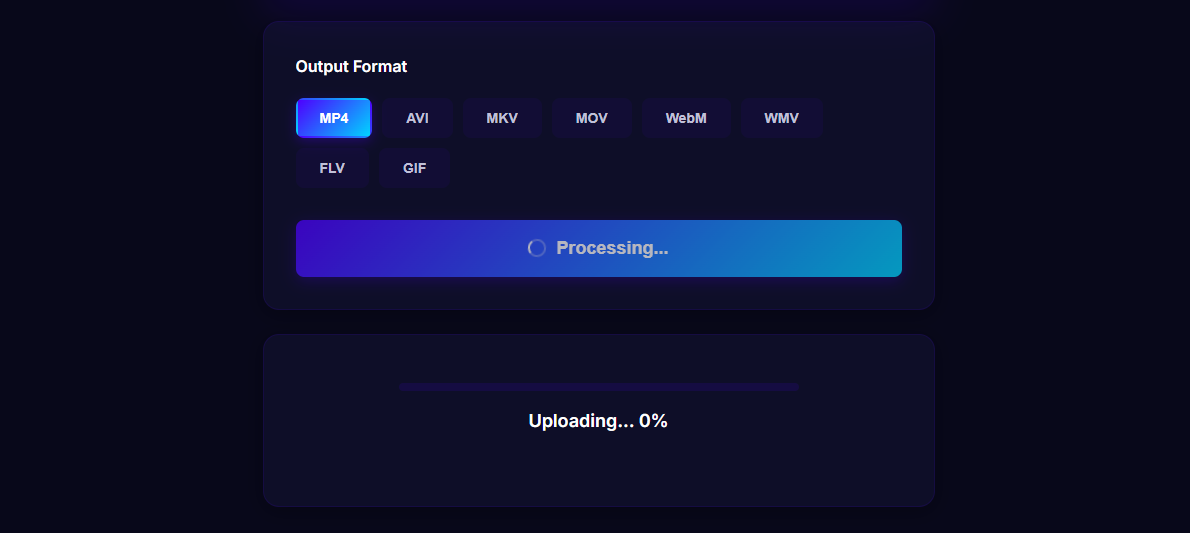
- Start the conversion. The server processes the file in the cloud. Progress is shown on the page, so you can keep working in another tab.
- Download the result. When conversion completes, download the new file with one click. The source and output files are removed from the server after a short retention window.
Because the heavy lifting happens on AudFab's cloud infrastructure, your browser stays responsive, your battery isn't drained, and fans don't spin up on your laptop.
Privacy and Security in the Cloud
A common concern with any cloud tool is: what happens to my files? AudFab's answer is intentionally simple. All uploads travel over HTTPS, so the transfer itself is encrypted. Files you upload are stored only long enough to run the conversion and let you download the result — after that, they are automatically removed from AudFab's servers. We don't keep a long-term copy, and we don't require you to sign in or hand over personal data just to convert a clip.
For sensitive material, you can also use AudFab from a private browsing window to avoid leaving any trace in your browser history. Between HTTPS in transit, short-term retention, and no forced account creation, a quick cloud conversion can be just as private as doing it locally — and a lot less hassle.
Frequently Asked Questions
Is AudFab Online Video Converter free to try?
Yes. You can convert short clips without creating an account to evaluate how the tool behaves with your files before committing to a plan.
Is there a file size limit?
Free usage has a generous per-file limit suitable for most common clips. For larger files or batch conversions, paid plans raise the limit.
Does the converter work on mobile?
Yes. Because the interface is a standard web page and the heavy work happens on AudFab's servers, the converter runs comfortably on modern phones and tablets — the same URL just adapts to a smaller screen.
What formats will the output play on?
MP4 at H.264/AAC — the default output — plays natively on iPhone, iPad, Android, Windows, macOS, smart TVs, and virtually every modern web player.